
Microsoft Excel Posts & Guides
Beyond the Formula Bar: How Agentic AI and Python are Reimagining Excel
Previous post: Microsoft Excel VLOOKUP vs INDEX MATCH: Definitive Guide for Data Analysts
The landscape of modern business runs on data which has lived in Microsoft Excel. We are currently witnessing the most radical transformation of this ubiquitous tool in thirty years.
A platform used by over 1.3 billion users globally is shifting from a passive grid of cells to an active; intelligent spreadsheet ecosystem.
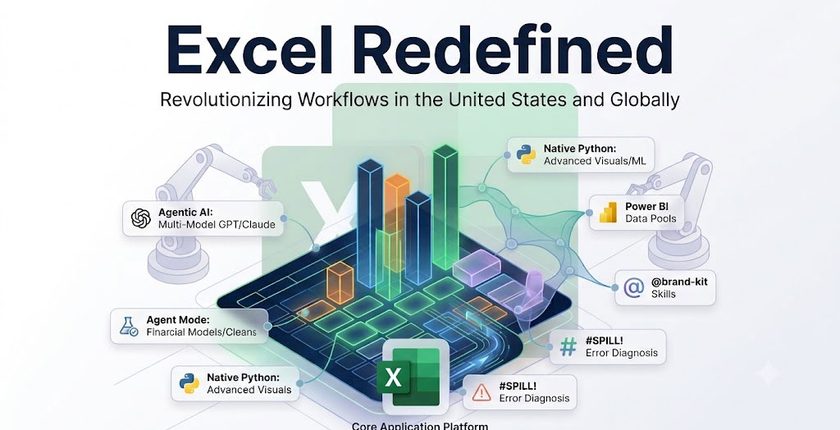
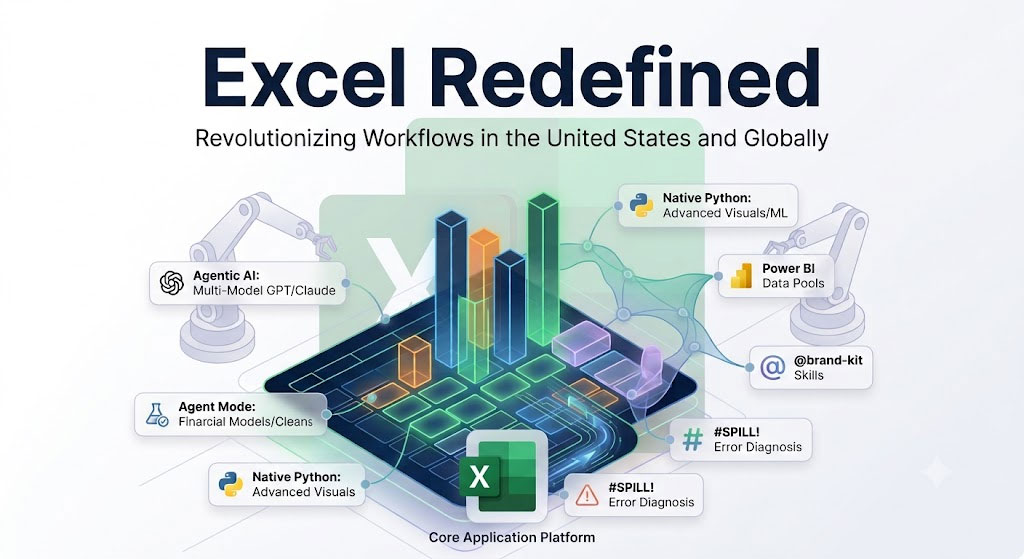
This evolution is driven by the convergence of Agentic AI—artificial intelligence that can plan and act on sophisticated data science workflows like native Python integration.
This shift fundamentally redefines what features are trending. How users interact with the software, and critically, what skills are required to remain competitive.
The Rise of the Digital Coworker
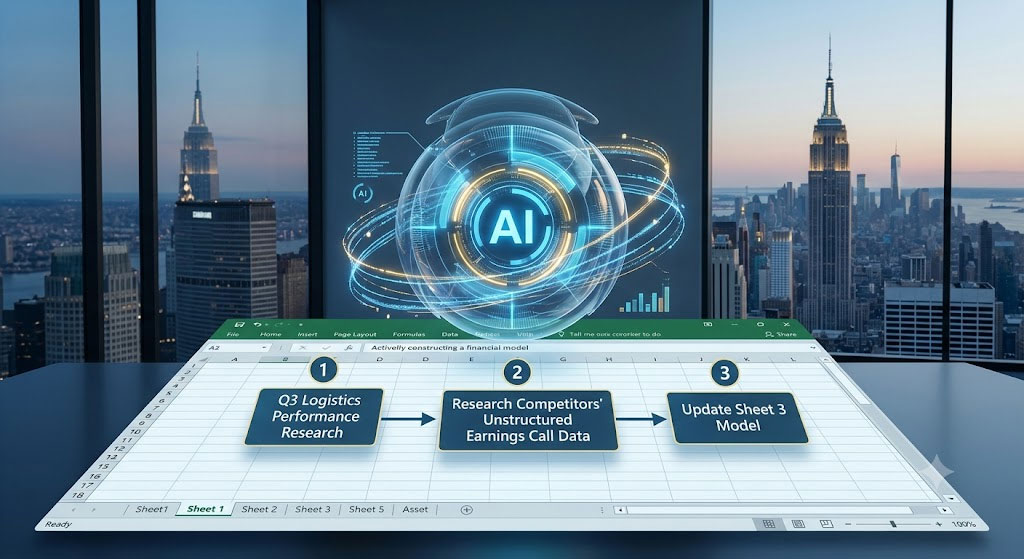
The single hottest trend in Excel right now is the move toward Agentic AI. It has progressed far beyond simple ‘Copilot’ function suggestions. New Agent Modes act as true digital coworkers.
Users are now prompting AI in natural language to perform complex, multi-step data reasoning problems.
This includes researching unstructured data from the web. Cleaning of messy inputs, and building entire, multi-tab financial models from scratch without manual cell entry.
A defining feature of this era is multi-model integration, allowing advanced users to toggle directly between frontier LLMs like OpenAI’s GPT-5.6 and Anthropic’s Claude 5 Opus. So, these AI models are ensuring the best reasoning model is applied to the complexity of the data task at hand.
Example (New York City, USA): Imagine a senior financial analyst at a major investment bank in New York City. Instead of spending days manually updating complex valuation models, they can prompt Excel’s Agent Mode:
“Research the Q3 logistics performance metrics of all major competitors. Also pull the unstructured data from recent earnings calls, and update our comparison model on Sheet 3.” The AI agent executes these steps independently, and the analyst pivots from data gathering to data strategy.
Native Python and Advanced Analytics
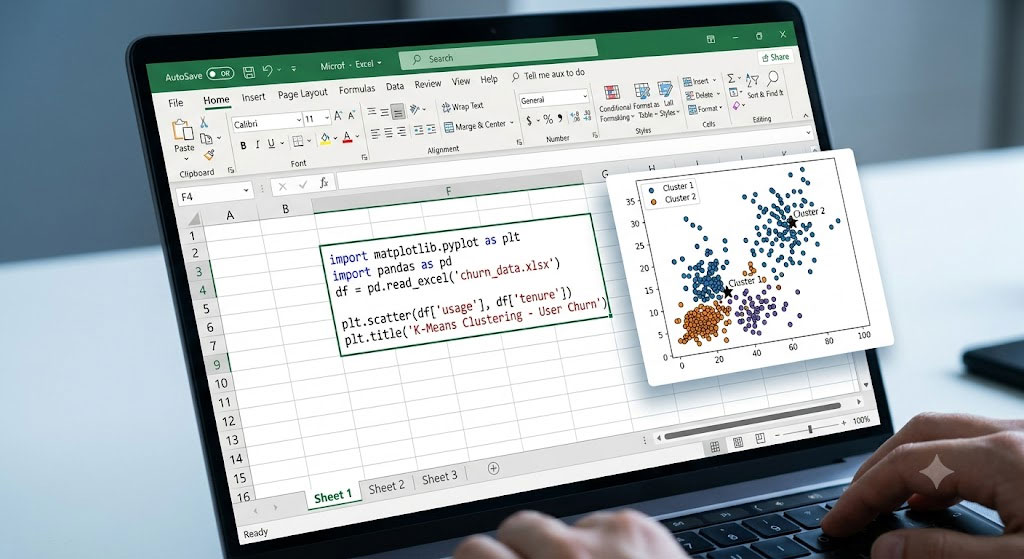
For years, the gap between traditional finance professionals (Excel-based) and modern data scientists (Python-based) was vast. Native Python integration within the Excel grid has closed that gap. This is not an add-in; it is a seamless integration that allows users to write Python code directly into cells.
The popularity of this feature has exploded, particularly within tech and financial hubs in the United States. Professionals are using native Python programming language for advanced machine learning, predictive analysis, and complex data visualizations (like Matplotlib and Seaborn) that are impossible to create with native Excel chart engines.
This integration, alongside modern native functions like =GROUPBY and direct grounding in enterprise Power BI data, allows powerful, governed analytics without ever leaving the spreadsheet environment.
Example (Silicon Valley, USA): A product manager at a major Silicon Valley tech company needs to analyze user churn. Instead of exporting data to external Python notebooks.
They use native Python in Excel to build a K-means clustering machine learning model to segment users directly on the worksheet grid. They can then share the dynamic analysis back with the broader marketing team, maintaining a single source of truth within the familiar Excel file.
Transcending the Upskilling Blind Spot
While these tools offer immense productivity, they also introduce a massive risk: the upskilling blind spot. Research highlights that nearly 50% of global office workers have never received formal spreadsheet training. Now, AI can confidently generate complex formulas—and confidently generate complex errors.
Consequently, the definition of an “Excel expert” is shifting. Global hiring managers are placing increasing value on professionals who can audit, trouble-shoot, and validate AI-generated logic and data flows.
The future of workflow optimization requires human users who act as data editors, ensuring the intelligence they supervise is accurate, ethical, and aligned with enterprise governance.
See Next Post: Microsoft Excel or Microsoft Word: The Battle for Better Tabular Data
















