
Microsoft Excel Tips

Previous post: Microsoft Excel vs Google Sheets for Global Enterprise Analytics: Choosing the Right Data Engine Guide on Excel Picture Format Tab: Designing This post is a guide to the Excel Picture Format Tab: Designing Executive Dashboards for Corporates. In fast-paced corporate environments across Tier-1 financial hubs like New York, London, and Tokyo, as well […]

Previous post: The Enterprise Guide to Excel Table Design Tab: Streamlining Financial Models Excel vs Google Sheets, selecting between Microsoft Excel and Google Sheets is no longer a simple software preference. For data analytics teams across international hubs—such as Hong Kong, Tel Aviv, Stockholm, Brussels, and Auckland—it represents a multi-million dollar structural infrastructure decision. Both […]

Previous post: The Ultimate Microsoft Excel Ribbon Guide: Maximizing Business Productivity In high-stakes corporate environments across Toronto, Zurich, Tokyo, Dublin, and Singapore, data processing speed and presentation accuracy dictate critical business decisions. When you format raw data as a structured table (Ctrl + T) in Microsoft Excel, you unlock the dedicated Table Design Tab. This […]

Previous post: How to Fix Excel VBA Run-Time Error 1004 (The Ultimate Debugging Guide) The Ultimate Excel Ribbon Guide The Microsoft Excel Ribbon Guide for corporate analysts, financial controllers, and operations managers across major global hubs. Additionally, from New York and London to Sydney, Luxembourg, and Oslo—Microsoft Excel is the operational engine of daily business. […]
Previous post: How to Assign a Macro to a Button in Excel (Create Clickable Automation) If you build automation tools or run macros in Microsoft Excel, you will eventually encounter the generic message: “Run-time error ‘1004’: Application-defined or object-defined error.” This post is all about How to Fix Excel VBA Run-Time Error 1004 (The Ultimate […]
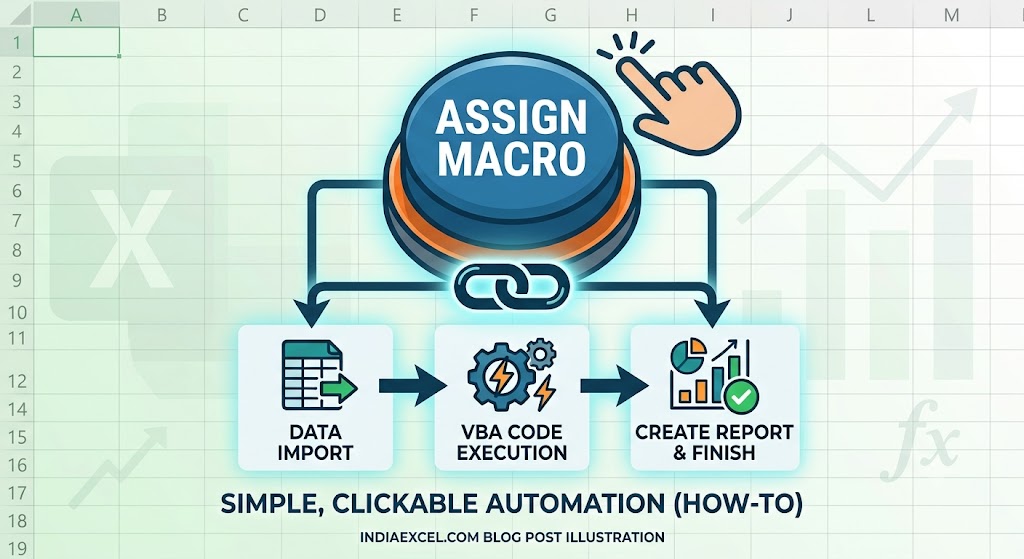
Previous post: How to Create a Macro in Excel (Step-by-Step VBA Automation Guide) Once you have recorded a few helpful macros to automate your repetitive spreadsheet workflows, remembering multiple complex keyboard combinations like Ctrl + Shift + Q or Ctrl + Shift + M can quickly become confusing. The most professional way to clean up […]

















