
Microsoft Excel Tips

Previous post: How to Remove Duplicates in Excel (The Safe Way Without Losing Data) If you find yourself performing the exact same formatting steps, cleaning the same weekly data exports, or building identical reports every Monday morning, you are wasting valuable time. Microsoft Excel allows you to record these repetitive actions and save them as […]
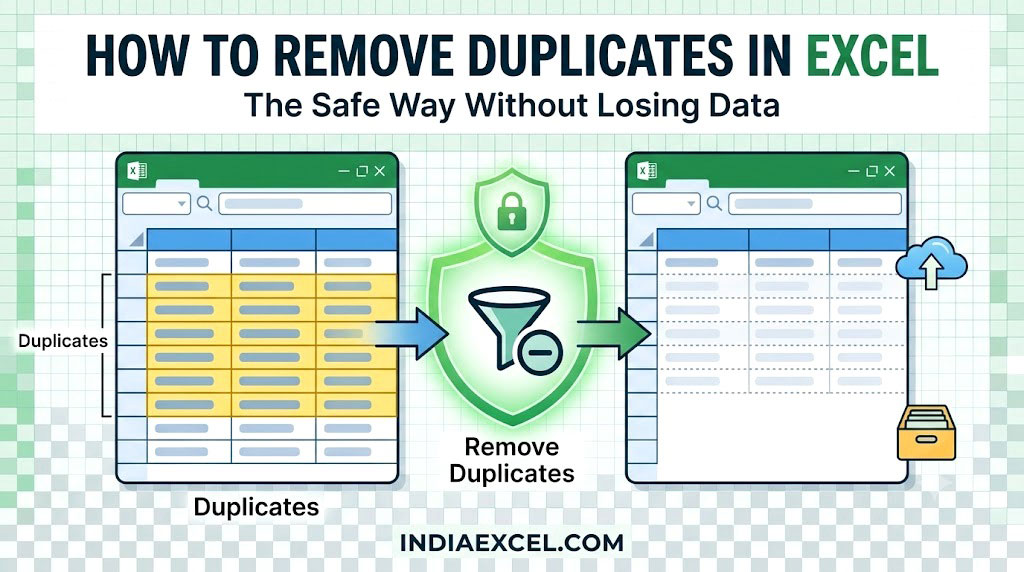
Previous post: How to Use Data Validation in Excel (Create Dropdowns Restrict Inputs) When merging client databases, importing inventory lists, or combining multiple sales reports, duplicate data rows are an inevitable corporate nightmare. Double entries warp your financial calculations, skew your charts, and throw off your Pivot Table totals. Fortunately, Microsoft Excel features a native […]
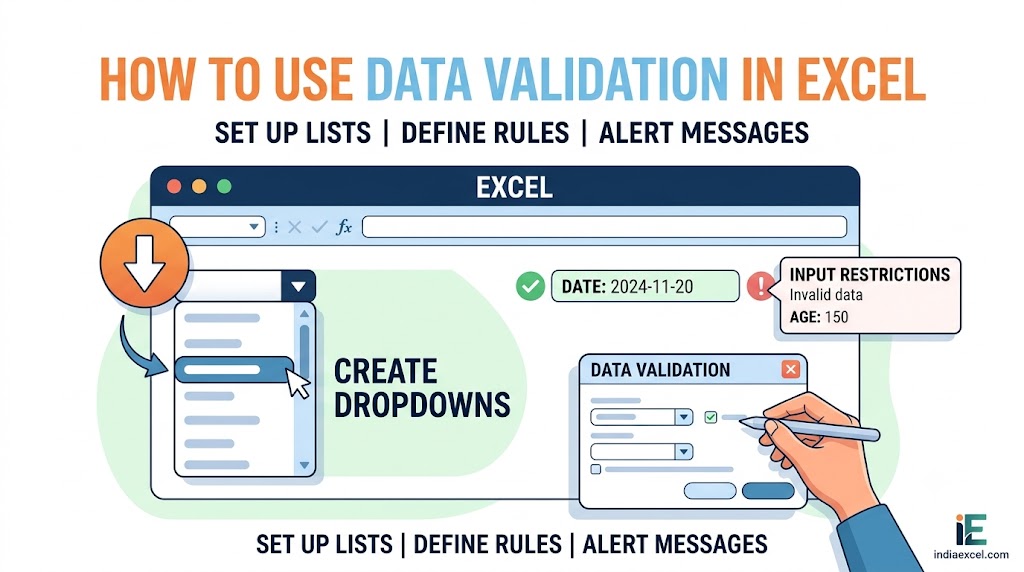
Previous post: How to Create a Pivot Table in Excel (Step-by-Step Data Summary) When you share an Excel spreadsheet with team members, clients, or data entry staff, a single spelling mistake can completely break your financial formulas and Pivot Table reports. If someone types “Delhy” instead of “Delhi“, your region-based sum totals will completely fail. […]
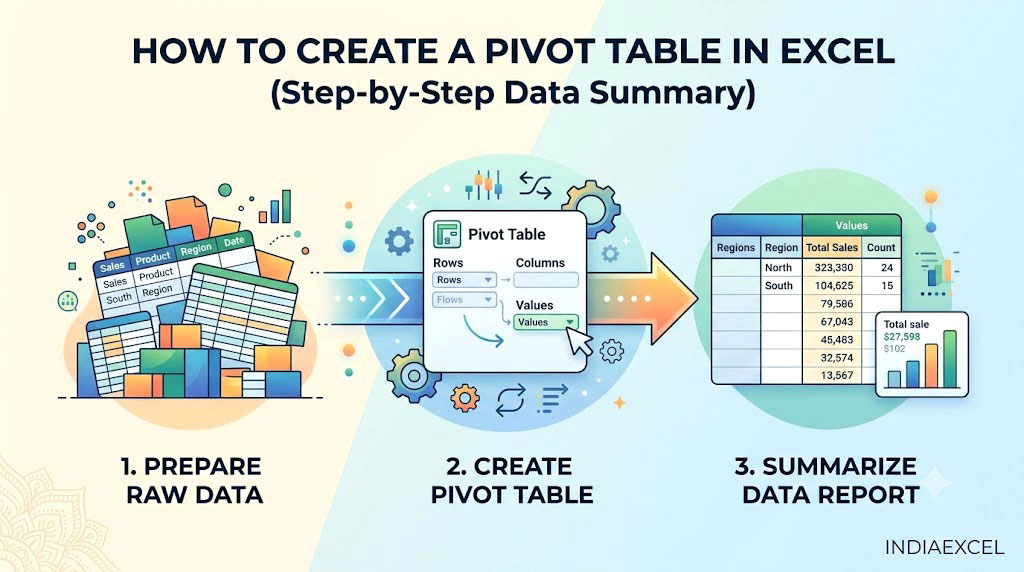
Previous post: How to Create Charts in Excel (The Complete Visual Reporting Guide) Imagine your boss hands you a corporate sales spreadsheet with over 5,000 individual transactional rows. They want you to find out the total sales generated by each product across different regional branches by the end of the day. If you try to […]
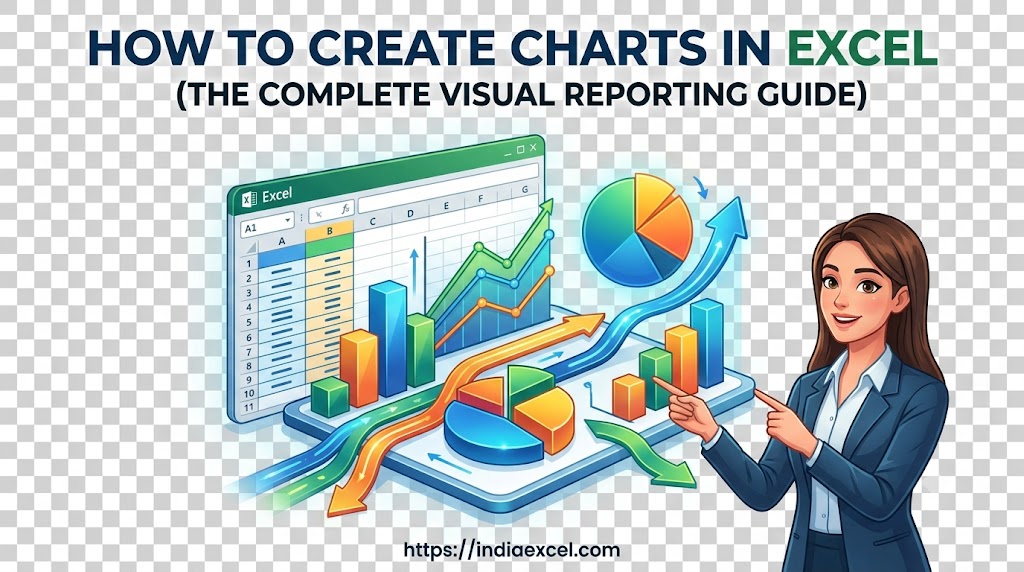
Previous post: How to Create and Edit Custom Lists in Excel (The Ultimate Sorting Guide) When you are presenting a corporate financial report or sales update, a massive wall of raw numbers in a spreadsheet is hard for your team to digest. The quickest way to turn messy data rows into a clear story is […]
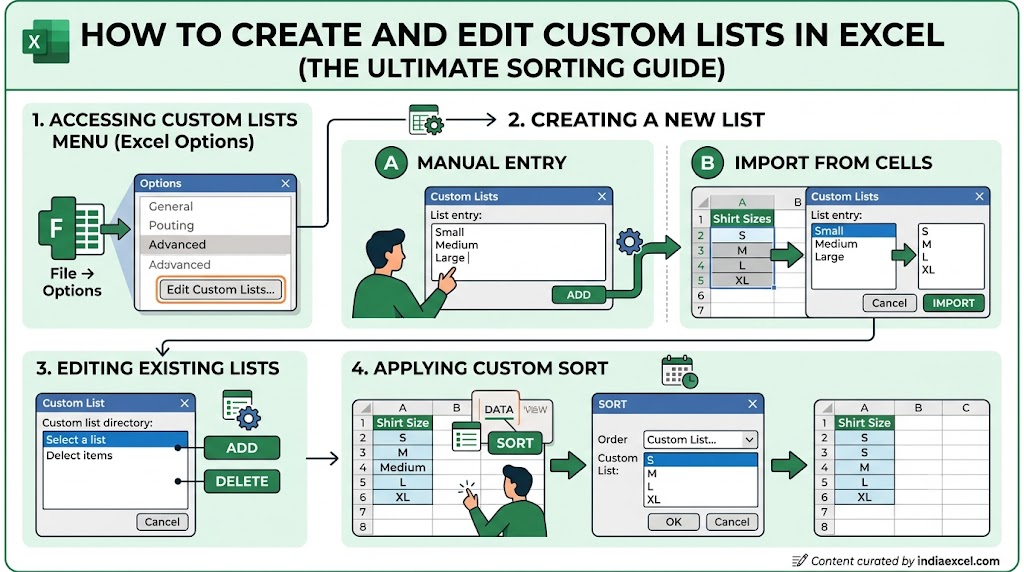
Previous post: How to Wrap Text in Excel (Fix Text Overflow Instantly) Have you ever tried to sort a column in Microsoft Excel, only to find that it forces your data into a strict alphabetical or numerical order? If you try to sort retail inventory by sizes, Excel will alphabetize them as Large, Medium, Small—which […]

















