
Microsoft Excel Tools

Previous post: The Ultimate Microsoft Excel Ribbon Guide: Maximizing Business Productivity In high-stakes corporate environments across Toronto, Zurich, Tokyo, Dublin, and Singapore, data processing speed and presentation accuracy dictate critical business decisions. When you format raw data as a structured table (Ctrl + T) in Microsoft Excel, you unlock the dedicated Table Design Tab. This […]
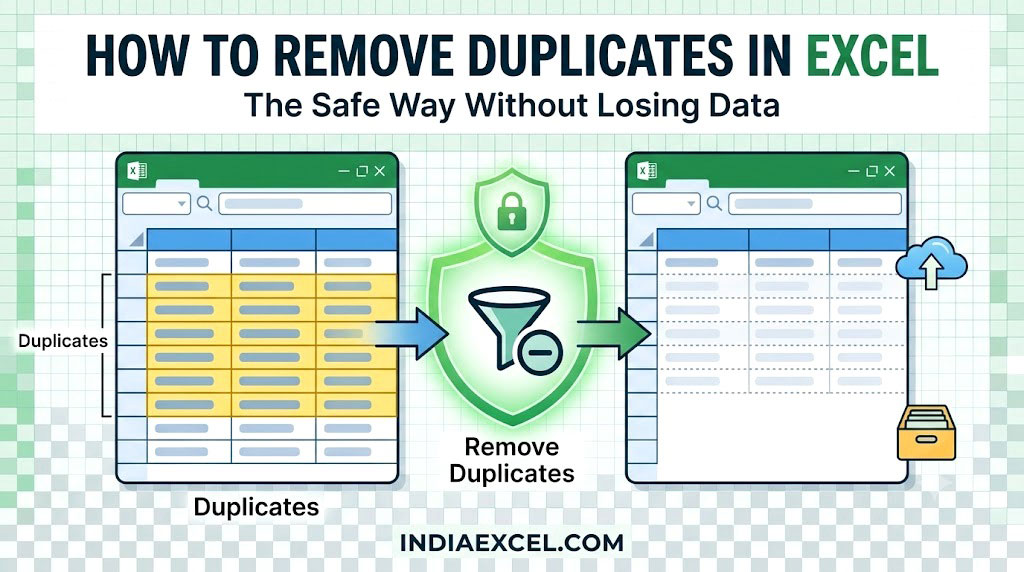
Previous post: How to Use Data Validation in Excel (Create Dropdowns Restrict Inputs) When merging client databases, importing inventory lists, or combining multiple sales reports, duplicate data rows are an inevitable corporate nightmare. Double entries warp your financial calculations, skew your charts, and throw off your Pivot Table totals. Fortunately, Microsoft Excel features a native […]
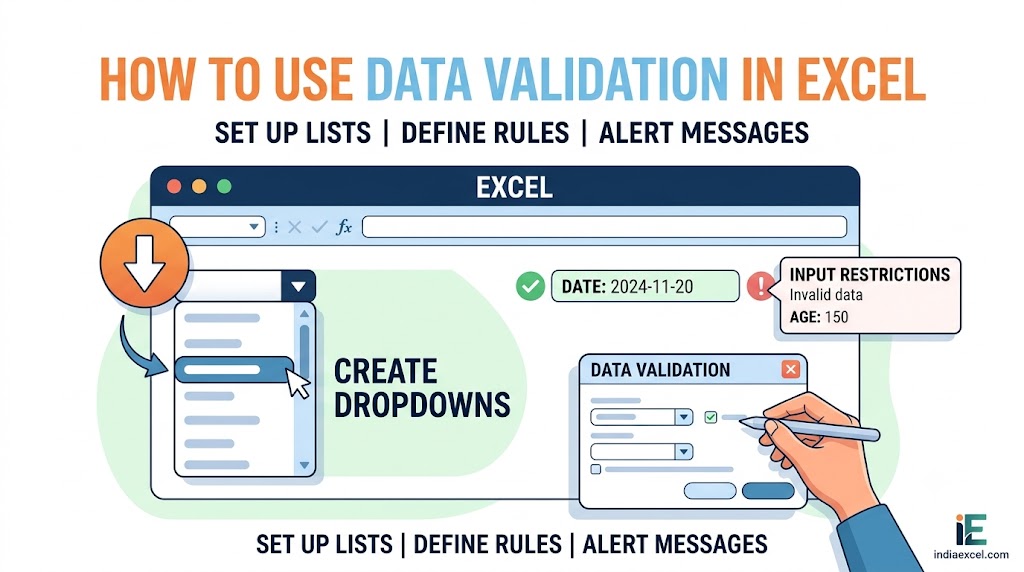
Previous post: How to Create a Pivot Table in Excel (Step-by-Step Data Summary) When you share an Excel spreadsheet with team members, clients, or data entry staff, a single spelling mistake can completely break your financial formulas and Pivot Table reports. If someone types “Delhy” instead of “Delhi“, your region-based sum totals will completely fail. […]
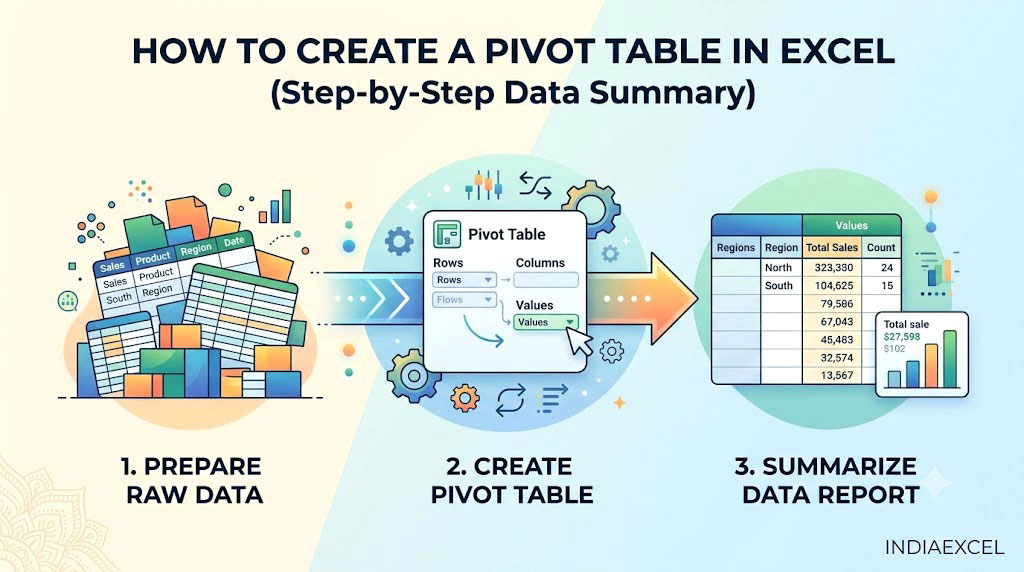
Previous post: How to Create Charts in Excel (The Complete Visual Reporting Guide) Imagine your boss hands you a corporate sales spreadsheet with over 5,000 individual transactional rows. They want you to find out the total sales generated by each product across different regional branches by the end of the day. If you try to […]
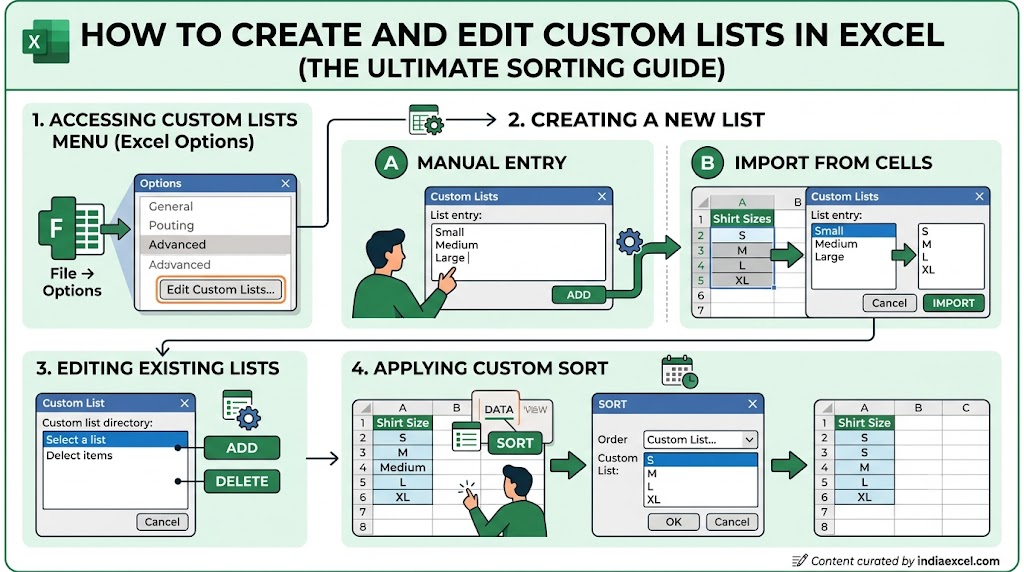
Previous post: How to Wrap Text in Excel (Fix Text Overflow Instantly) Have you ever tried to sort a column in Microsoft Excel, only to find that it forces your data into a strict alphabetical or numerical order? If you try to sort retail inventory by sizes, Excel will alphabetize them as Large, Medium, Small—which […]
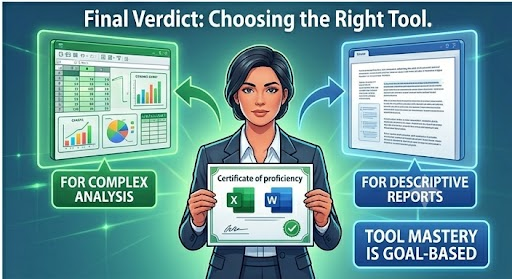
Previous post: Troubleshooting MS Excel Clipboard Error: “We Couldn’t Free Up Space” This is a comprehensive blog post comparing Microsoft Excel and Microsoft Word for tabular data, adhering to all your specific formatting constraints. The accompanying image is a stylized visual representation of the comparison. Generally a common dilemma for users involves tabular data. Which […]

















