
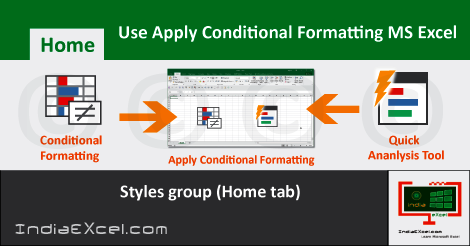
How to Use Apply Conditional Formatting MS Excel See Previous Post: Create Charts from data worksheet Microsoft Excel 2016 As we know that, the Styles group has the Conditional Formatting button. So, we’ll know How to Use Apply Conditional Formatting in a worksheet, in this post. This button has total Eight buttons. Some of them’re the […]
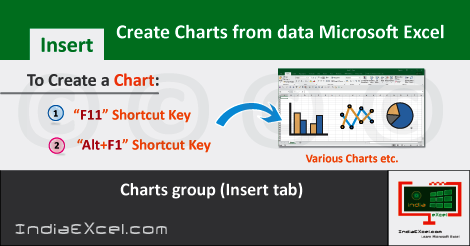
Create Charts from data of worksheet MS Excel See Previous Post: Add Pictures Insert Images worksheet Microsoft Excel 2016 Significantly, in this post, we’ll discuss about how to Create Charts. The Insert tab ribbon has the Charts group. And, this group contains various chart buttons. Some of them are the Column or Bar Chart, Waterfall or Stock Chart and […]

Add Pictures Insert Images workbook Excel See Previous Post: PivotTable button tool Tables group Microsoft Excel 2016 So, how do you put a photo in this software program ? How do we add pictures insert images in worksheet ? These question seems quite easy. Most of the people might know the answer. And, the easiest way, is to simply […]
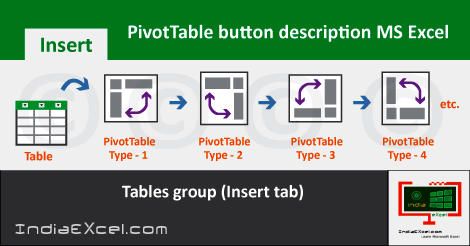
PivotTable button of Tables group Microsoft Excel See Previous Post: Find Select buttons tools Editing group Microsoft Excel 2016 First of all, the Tables group is part of the Insert tab. And, in this post, the PivotTable button shall be discussed. So, this group has three buttons. Those are the Recommended PivotTables button, the Table button and the […]
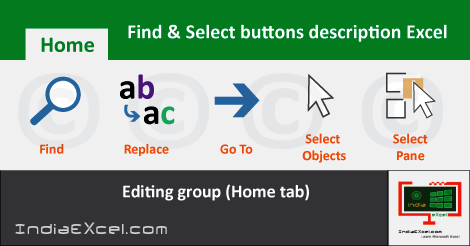
Find Select buttons of Editing group Excel See Previous Post: Clear buttons tools Alignment group Microsoft Excel In the first place, the Find Select buttons are part of the Editing group in the Home tab. Also, these buttons are the last most of this group. Previously, we’ve explained about the Fill buttons. Some of they’re the Series button, […]

Clear buttons of Alignment group Home tab MS Excel See Previous Post: Fill buttons tools Editing group Microsoft Excel 2016 So, already the Editing group‘s buttons has been discussed, in of the posts. This group is part of the Home tab ribbon. There are Five buttons in this group. They’re the Autosum button, the Fill button and the Clear button […]

















